Run Code UI
Run stand-alone Python, JavaScript, TypeScript, and C# code in a sandbox environment
The code left sidebar icon opens a scratch pad for running stand-alone Python, JavaScript, TypeScript, and C# code in a sandbox.
The UI uses CodeMirror as the code editor, providing a better user experience with syntax highlighting, code completion, and other IDE-like features for writing code.
Run Python
Run JavaScript
Run TypeScript
Run C#
INFO
These make use of the following core tools:
run_python(code)- Executes Python code.run_javascript(code)- Executes JavaScript code (usesbunornode).run_typescript(code)- Executes TypeScript code (usesbunornode).run_csharp(code)- Executes C# code (usesdotnet runwith .NET 10+ single-file support).
These tools allow LLMs to run code snippets dynamically as part of their reasoning process.
Python and C# Examples
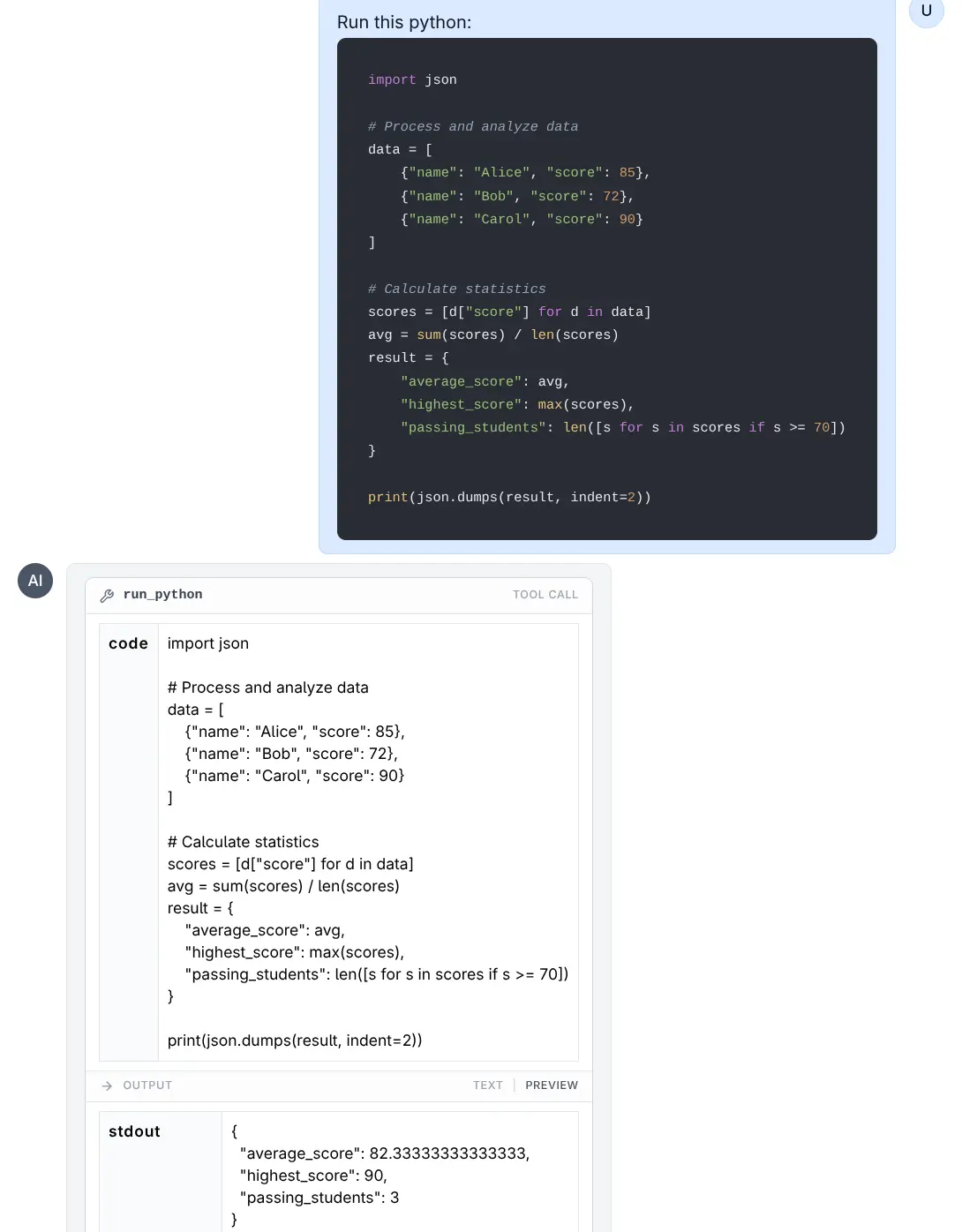
Run Python
Click to view full size
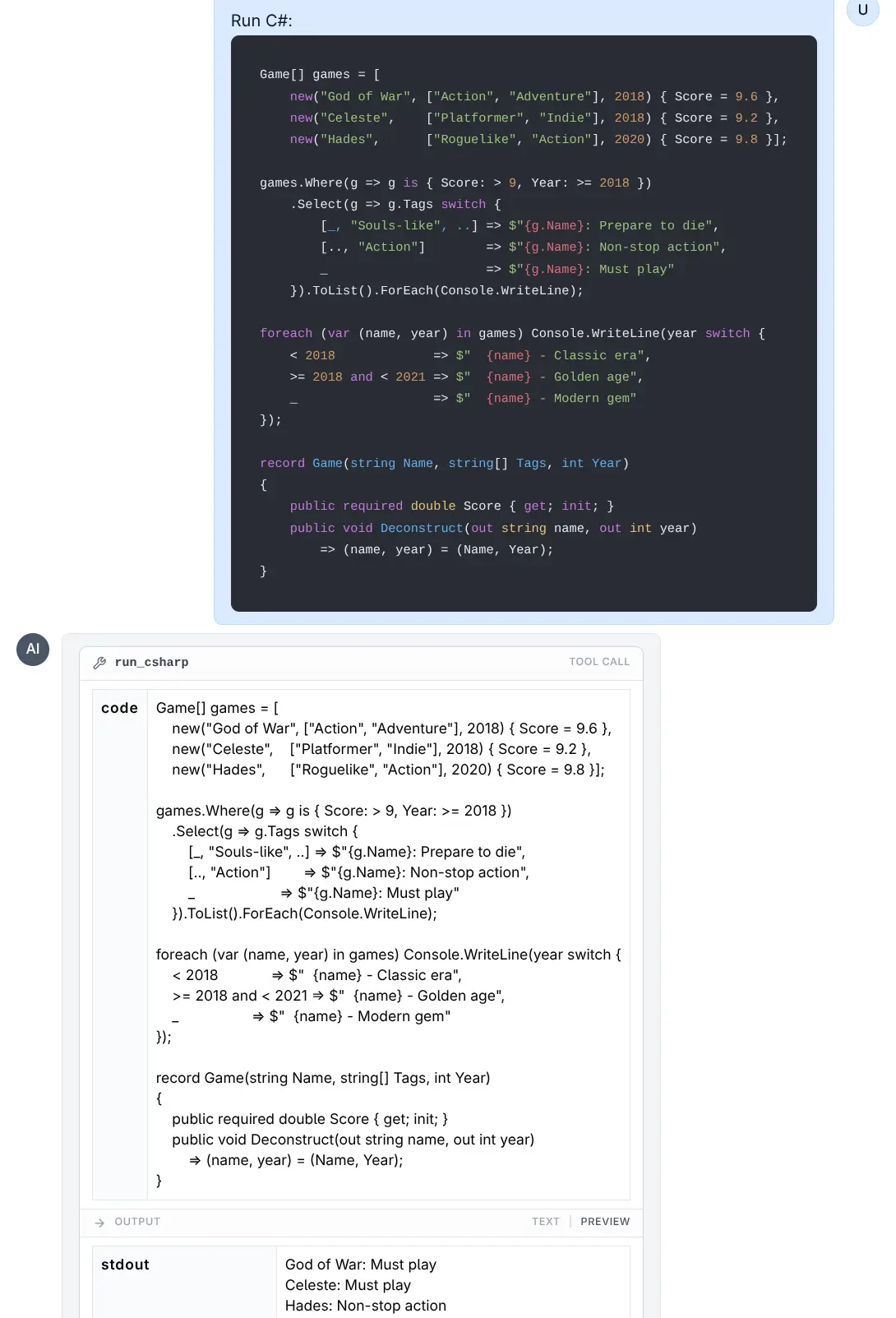
Run C#
Click to view full size
JavaScript and TypeScript Examples
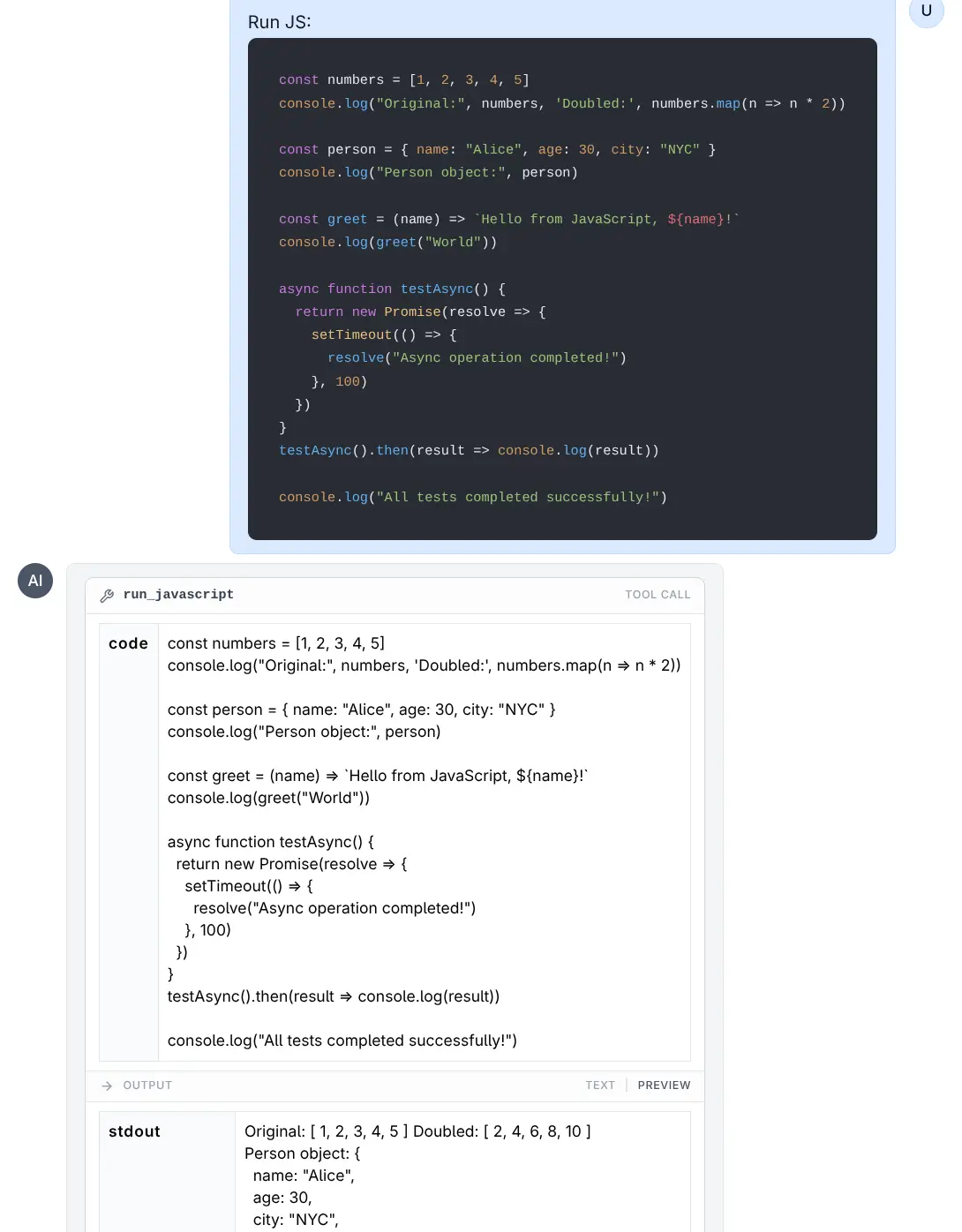
Run JavaScript
Click to view full size
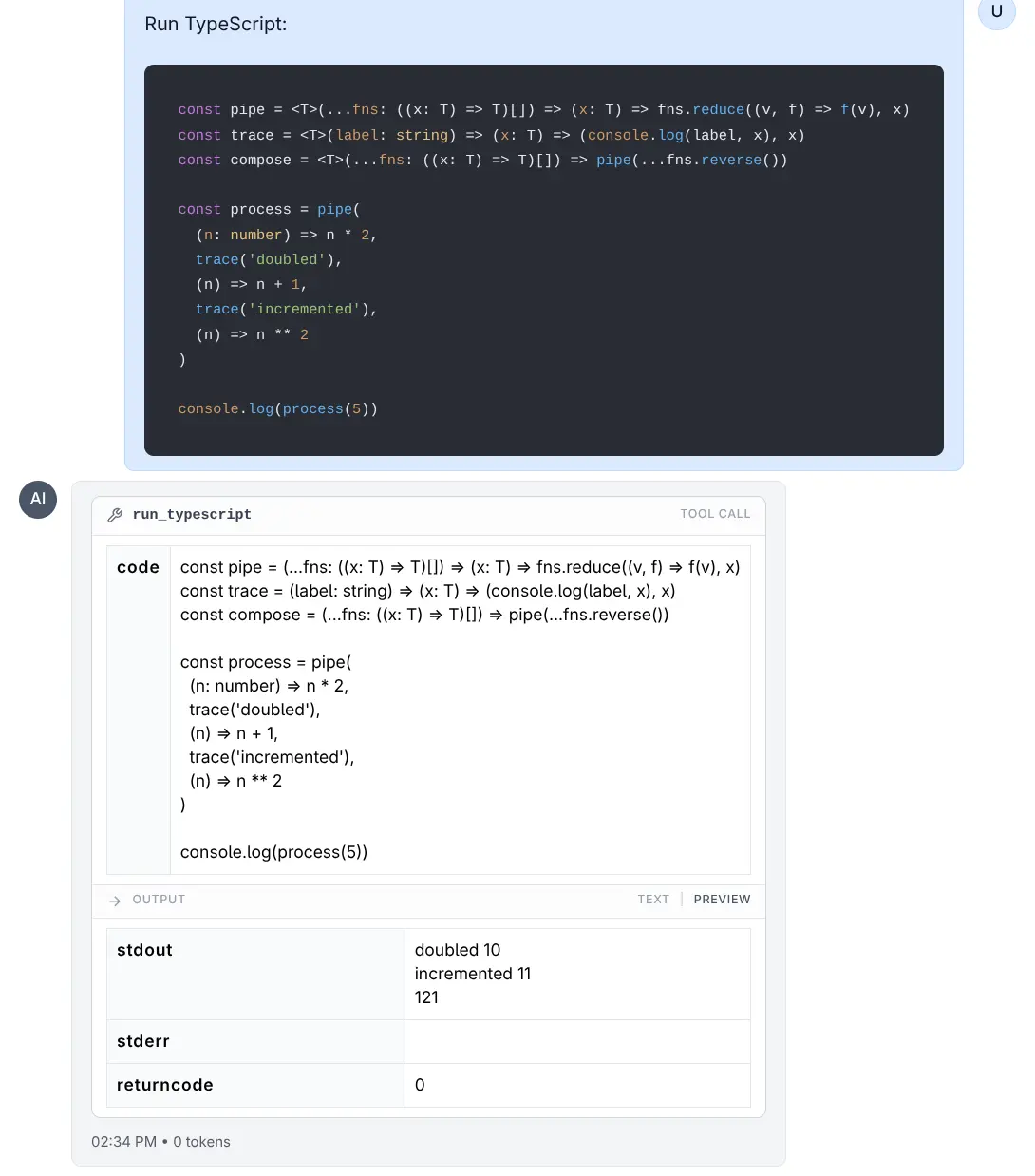
Run TypeScript
Click to view full size
Sandbox Environment
Code execution happens in a temporary, restricted environment to ensure safety and stability.
Resource Limits
To prevent infinite loops or excessive resource consumption, the following limits are enforced using ulimit (on Linux/macOS):
- Execution Time: The process is limited to 5 seconds of CPU time.
- Memory: The process is limited to 8 GB virtual memory limit.
File System
- Each execution runs in a clean, temporary directory.
- Converting
LLMS_RUN_ASwill try tochmod 777this directory so the target user can write to it. - Note: Files created during execution are transient and lost after the tool completes, unless their content is printed to stdout.
Environment Variables
- The environment is cleared to prevent leakage of sensitive tokens or API keys.
- Only the
PATHvariable is preserved to ensure standard tools function correctly. - For C# (
dotnet),HOMEandDOTNET_CLI_HOMEare set to the temporary directory to allow write access for the runtime intermediate files.
Running with Lower Privileges (LLMS_RUN_AS)
By default, code runs as the user running the LLMS process. For enhanced security, you can configure the tools to execute code as a restricted user (e.g., nobody or a dedicated restricted user).
Configuration
Set the LLMS_RUN_AS environment variable to the username you want code to run as.
Example:
export LLMS_RUN_AS=nobodyRequirements for LLMS_RUN_AS
- Sudo Access: The user running the LLMS process must have
sudoprivileges configured to run commands as the target user without a password. - Permissions: The LLMS process attempts to grant read/write access to the temporary execution directory for the target user (via
chmod 777).
Example sudoers configuration:
# Allow 'mythz' to run commands as 'nobody' without password
mythz ALL=(nobody) NOPASSWD: ALL
How it Works
When LLMS_RUN_AS is set:
- A temporary directory is created.
- Permissions on the directory are relaxed so the restricted user can access it.
- The command is executed wrapped in
sudo -u <user>.- Example:
sudo -u nobody bash -c 'ulimit -t 5; ... python script.py'
- Example:
This execution model ensures that even if malicious code escapes the ulimit sandbox or accesses the filesystem, it is restricted by the OS-level permissions of the nobody (or specified) user.